
How to check whether a workplace AI agent has excessive permissions
Compare the agent’s authorized task with the tools, accounts and records it can access. A scoped inventory is more useful than an unattributed prevalence estimate.
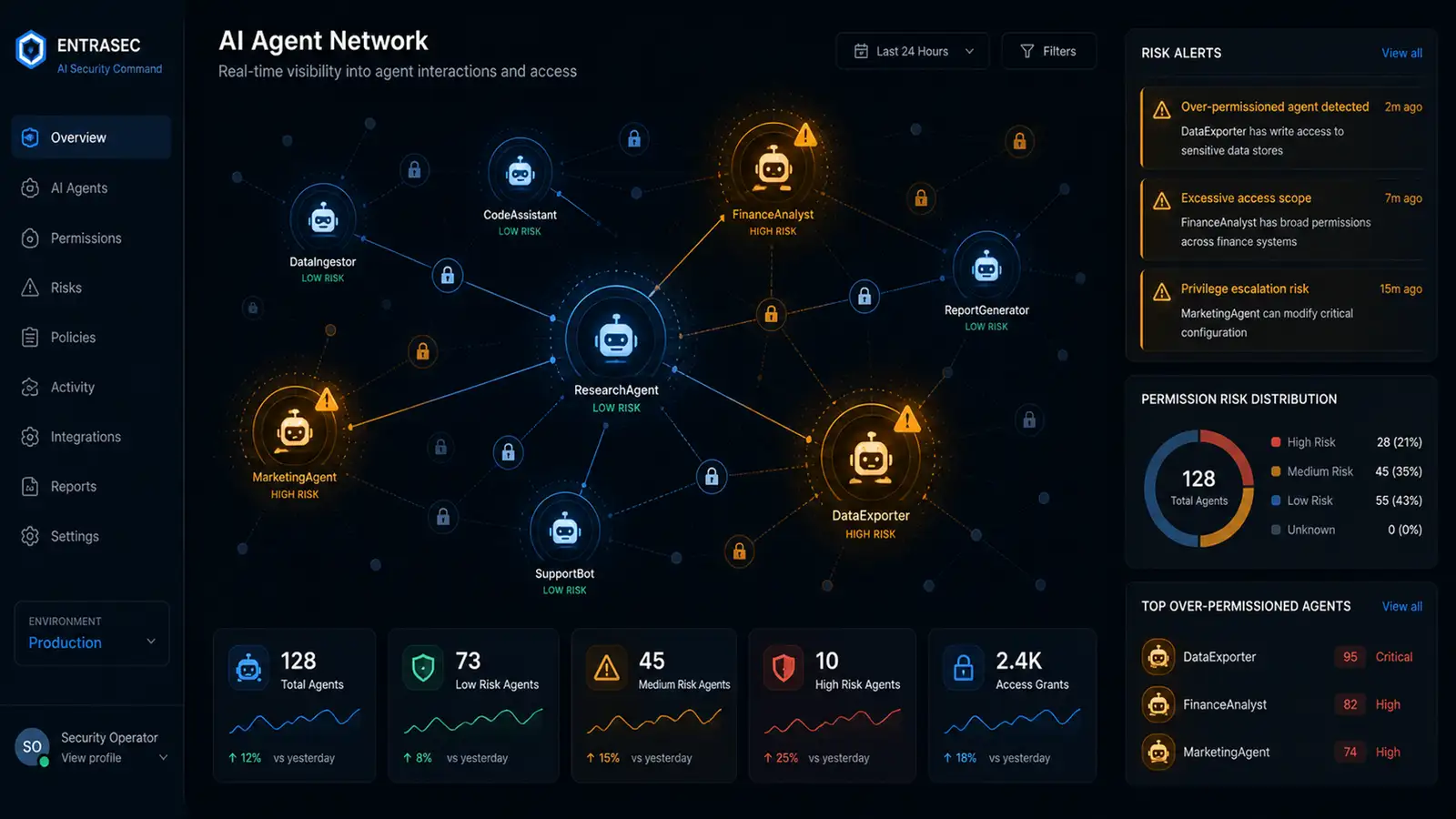
An agent that summarizes a team’s meeting notes needs access to the relevant notes and a place to put a draft. The task alone gives it no reason to read payroll records or send messages on behalf of every employee. OWASP describes excessive agency in terms of functionality, permissions and autonomy that exceed the intended operation. OWASP, Excessive Agency
Compare the task with the actual grant
For a deployment you operate, write down the named workflow, the records it needs and whether each step reads, drafts or writes. Compare that list with the configured service account and its tool grants. Record which person can authorize a consequential action, who owns the account and when access expires. Removing an unused permission is easier to verify if its original purpose and owner are recorded.
A team wanting a prevalence measure can count active service accounts with at least one unnecessary grant and divide by the number of active accounts examined. Report the review date and the treatment of draft agents and duplicate accounts. A percentage without that denominator cannot describe the whole enterprise population.